
01 — INSTALL
Choose your IPTV app
Install an IPTV player on your Smart TV, Fire TV device, Android device, computer or compatible player.
Bring live channels, on-demand movies, series and sports to the screens you already use. Choose the plan that fits your household, then get a hand with setup when you need it.
Most providers compete on price. We compete on quality — $67 for a year of dependable streaming.

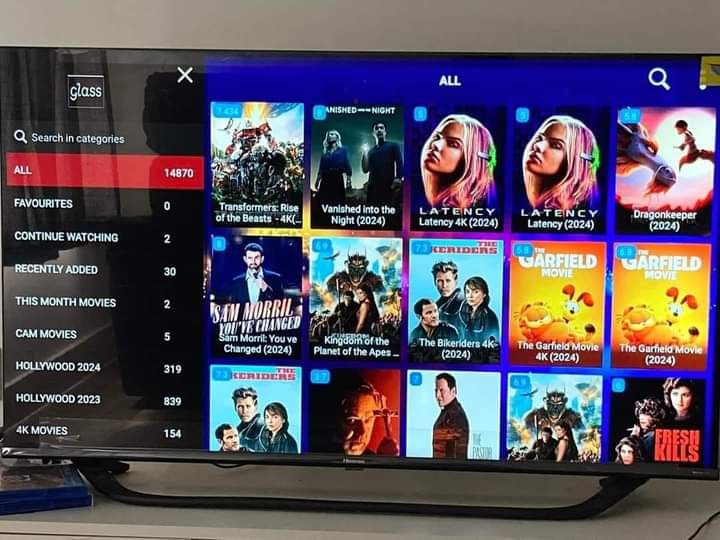
Settle in with a broad on-demand selection that makes it easy to find a new favorite, revisit a classic, or keep up with the latest series.








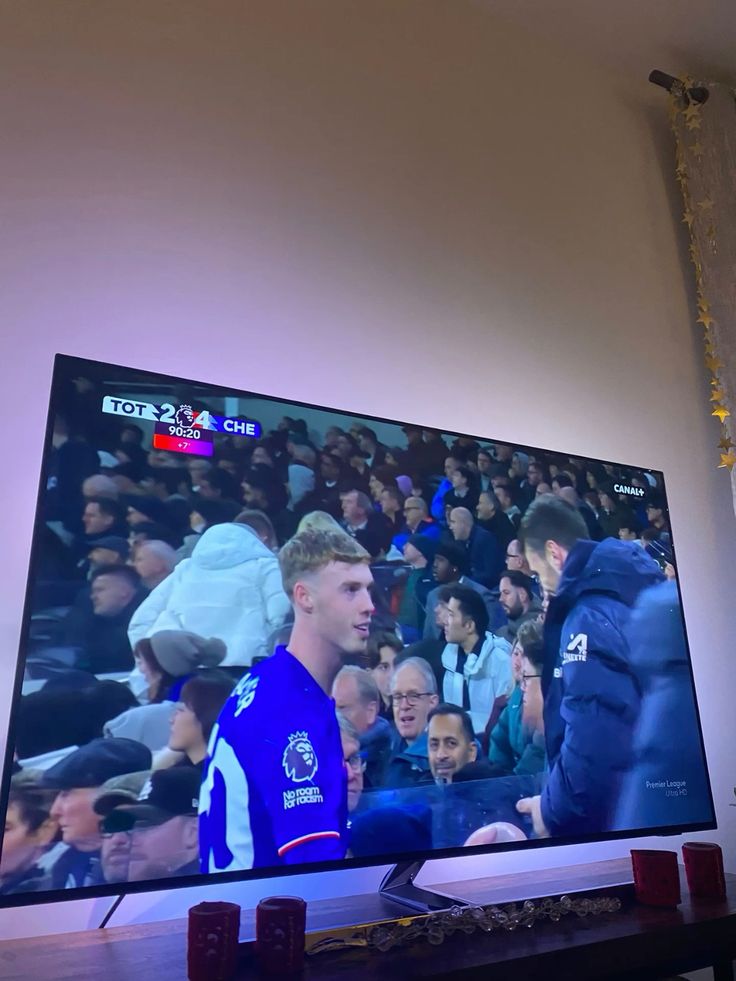
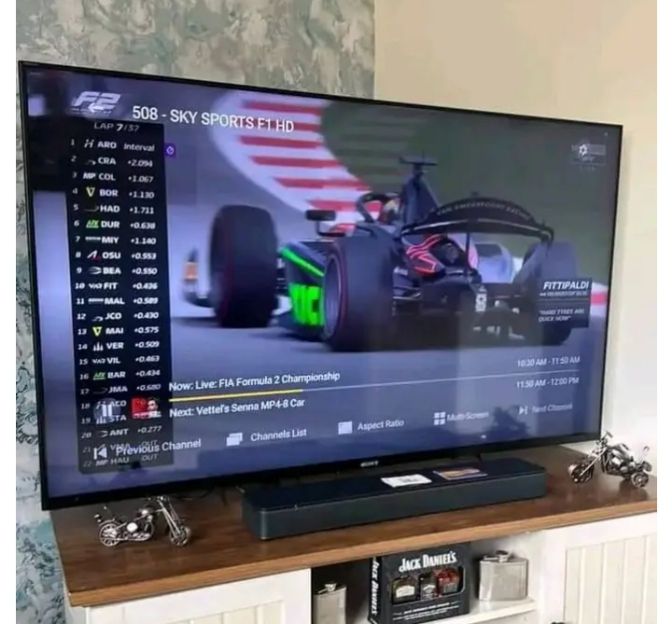
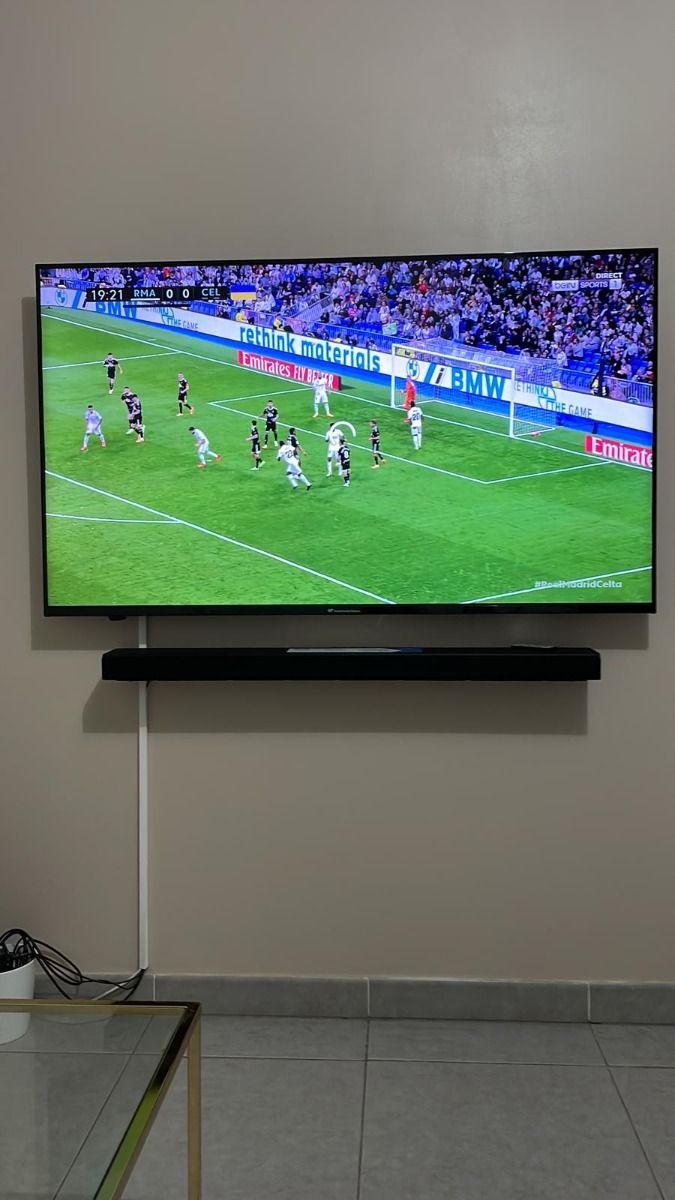
Keep the action close with channels for major leagues, motorsport, fight nights and more, presented in a simple viewing experience.





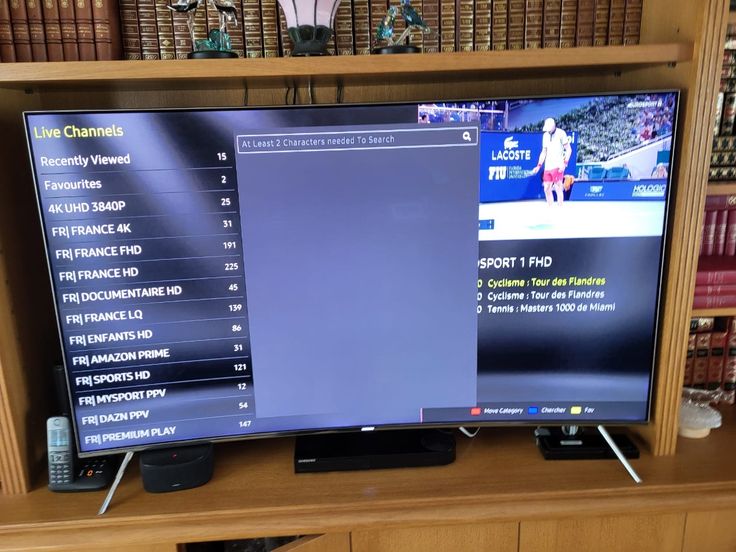
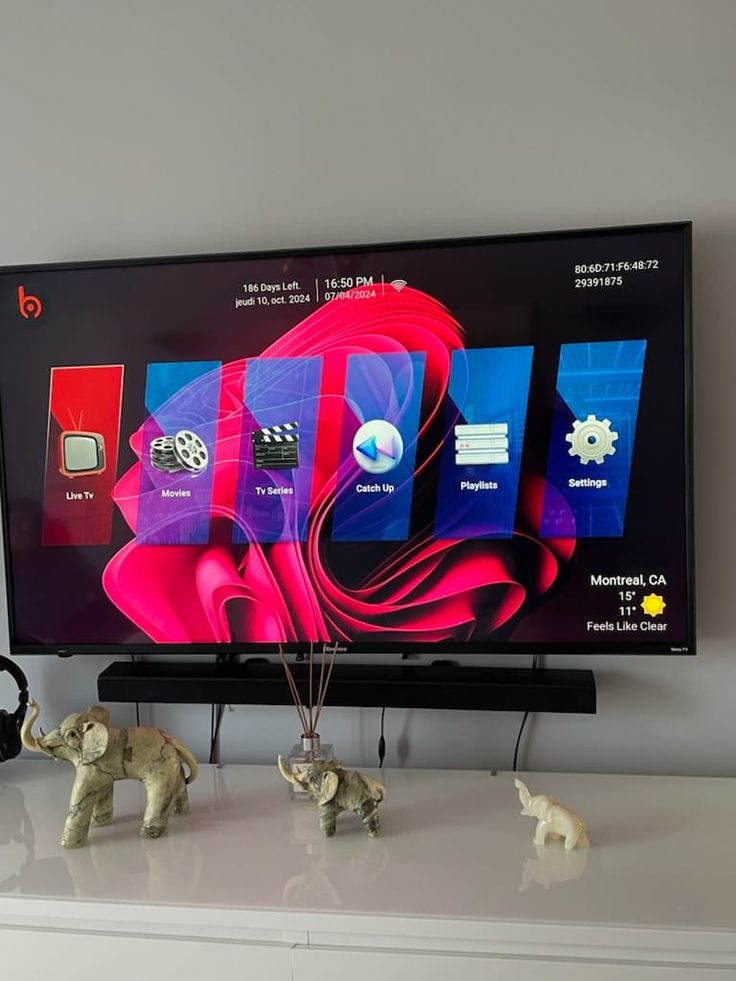
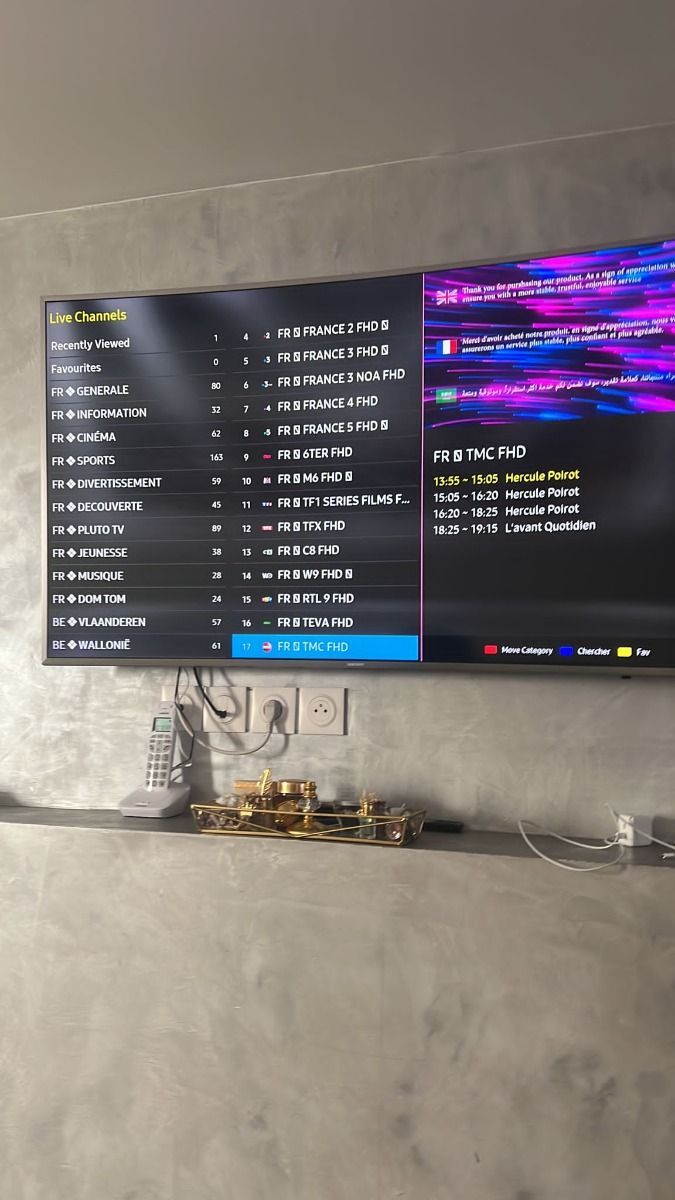
Discover a clean, app-based layout designed to keep live TV, movies, series and radio within easy reach of the remote.
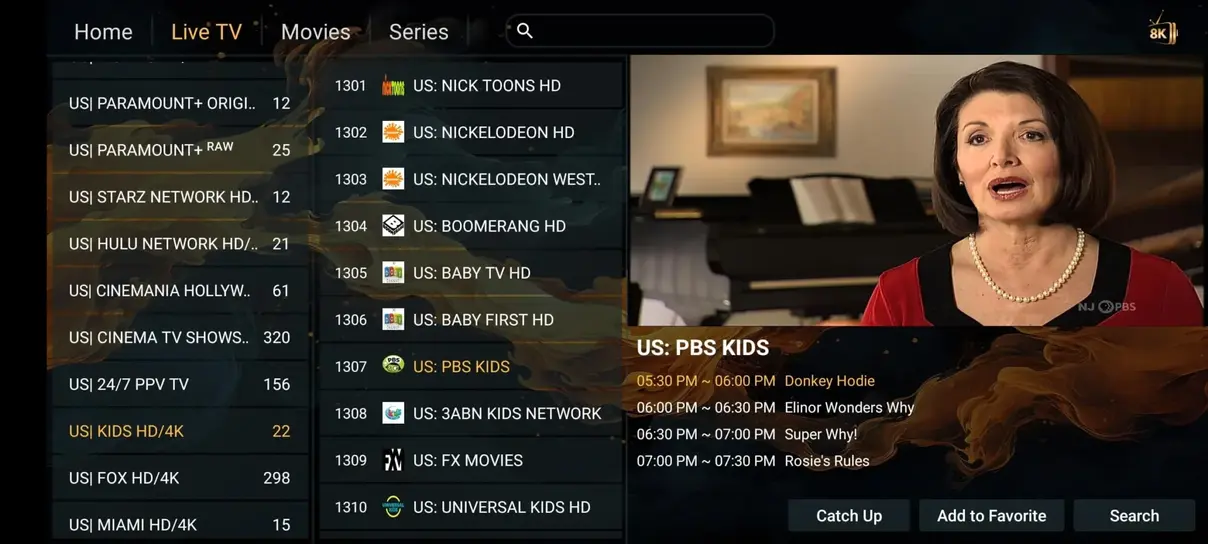
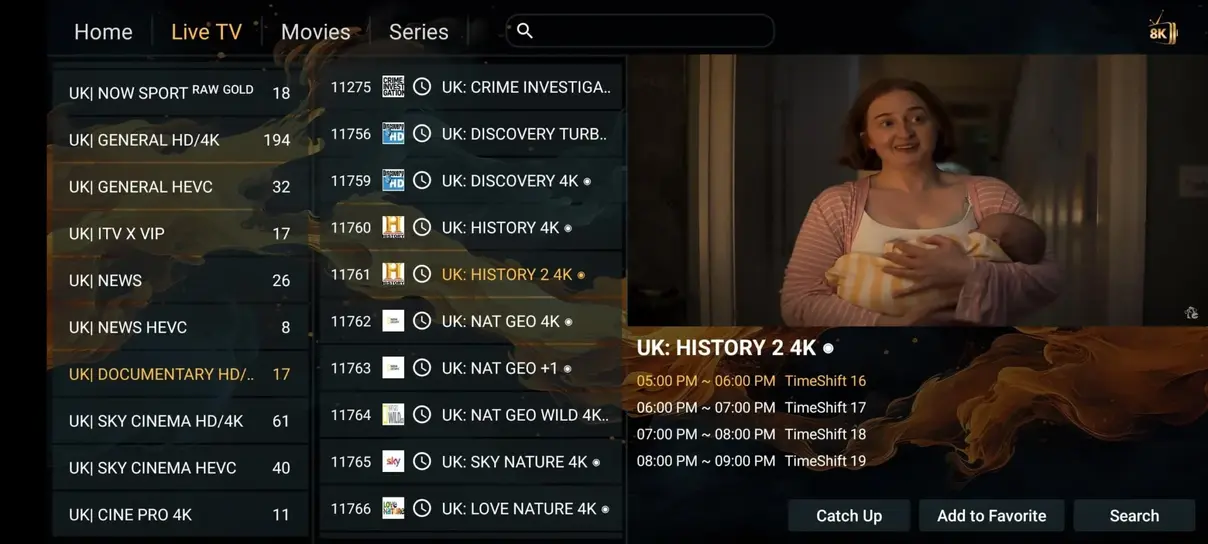
See how a flexible streaming subscription compares with the limited channel packages and long commitments common with cable and satellite.
Pick the number of simultaneous devices and pay in your preferred currency. Longer subscriptions show the actual savings compared with renewing one month at a time.
Adult channels are included in every plan. Savings compare the displayed plan with repeated one-month purchases; all displayed totals are fixed prices.
Watch simultaneously across your home with a multi-screen subscription. Every plan includes the same core viewing features, with a clear total for the duration you select.
Install an IPTV player on your Smart TV, Fire TV device, Android device, computer or compatible player.
Use the activation information supplied after purchase, such as your M3U link or Xtream Codes details.
Refresh your playlist, browse the categories that matter to you, and start watching at home or on the go.
Explore streaming on TV, set-top boxes, mobile devices and computers with your preferred compatible player.




4.9 / 5 based on 243 reviews. Customers in the United States and around the world choose the service for sports, movies, multilingual channels, steady playback and approachable setup help.
 Michael K.
★★★★★
“The Fire TV setup was straightforward and the sports selection has been excellent for weekend viewing.”
 Sophie R.
★★★★★
“I like having movies and international channels in one app. The guide makes browsing much quicker.”
 Patrick L.
★★★★★
“It works well across our living-room TV and tablet. The support replies were clear when I had a question.”
 Carlos M.
★★★★★
“A solid mix of Spanish-language programming, live sports and on-demand series for our household.”
 Jan V.
★★★★★
“The picture quality is sharp on our Smart TV and the channel categories are easy to navigate.”
 Luisa B.
★★★★★
“We use it for movies and news on different screens. Getting started took less time than expected.”
 Taylor J.
★★★★★
“A convenient option for live TV and series. The installation guide answered the questions I had.”
Michael K.★★★★★
“The Fire TV setup was straightforward and the sports selection has been excellent for weekend viewing.”
Need a hand with an installation question? Reach out to the support team and keep the conversation in one convenient place.
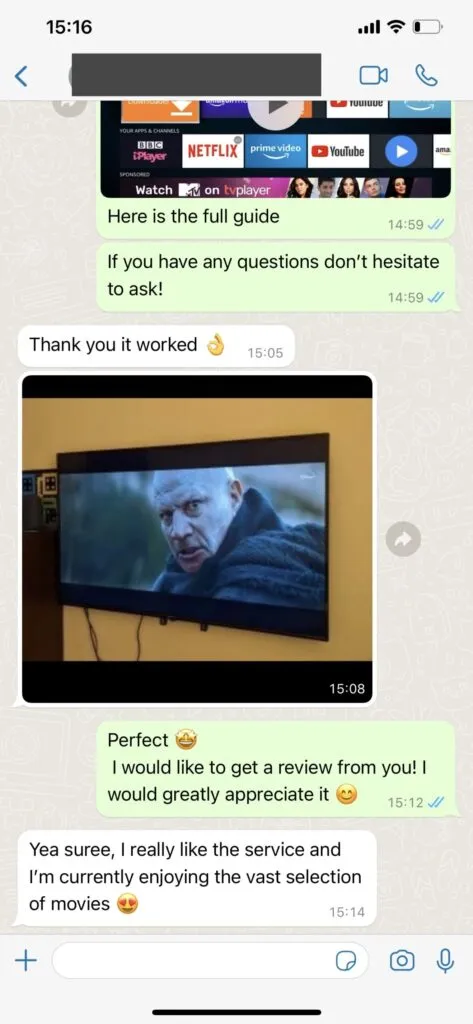
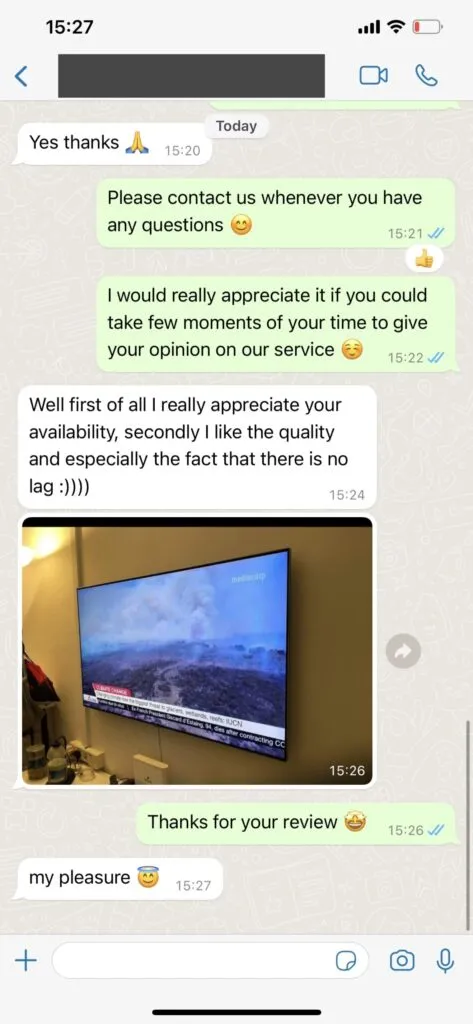
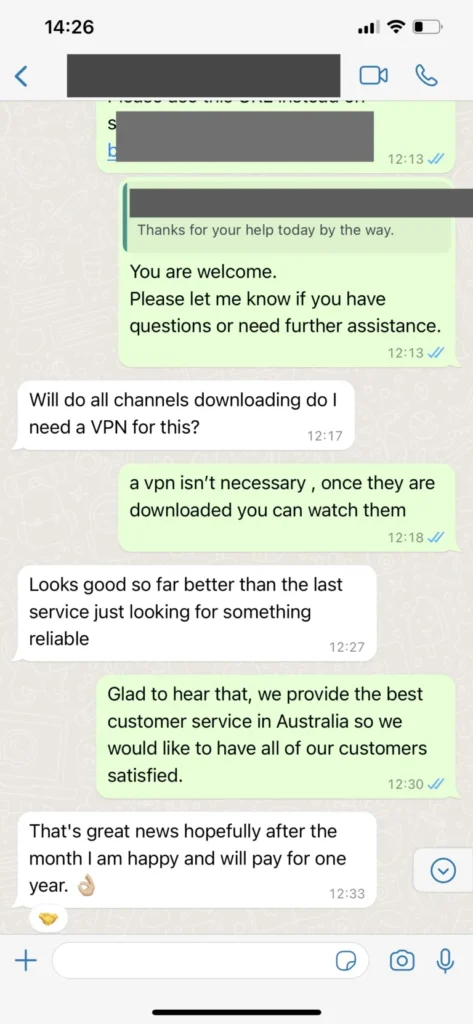
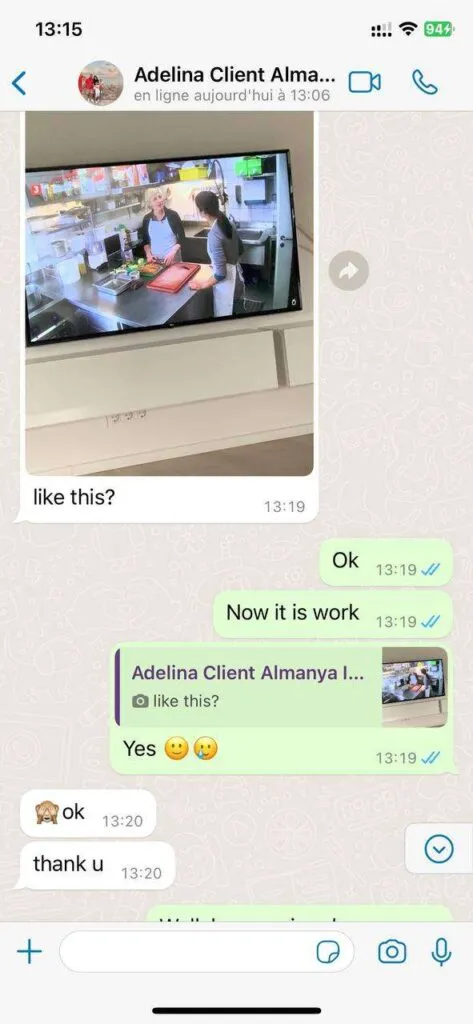
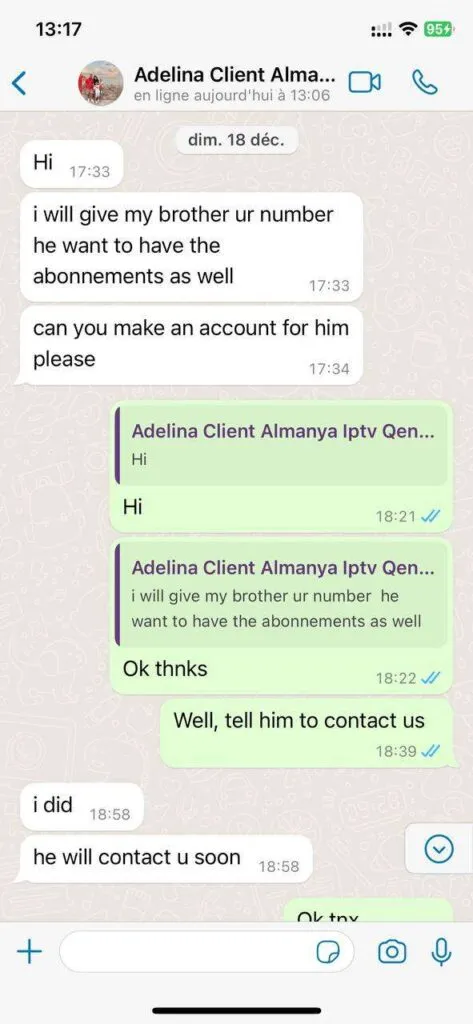
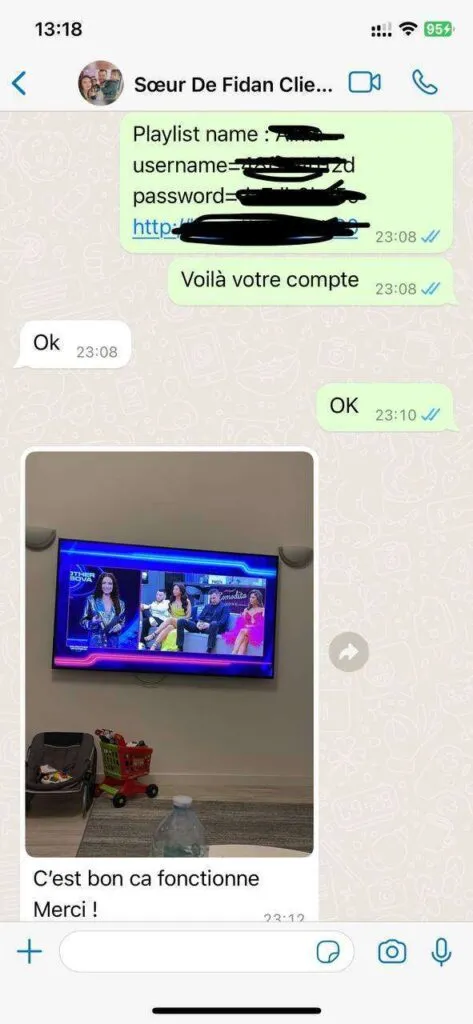
Live channels, movies, series, sports and 24/7 options help everyone find something to watch.
Choose content in SD through UHD quality, according to the channel and your internet connection.
Get practical help for compatible apps, activation details and everyday viewing questions.
The dedicated support team is available 16 hours daily via WhatsApp. They aim to resolve most common setup questions quickly and can assist in English, German, French and Spanish.
Contact support on WhatsApp to discuss the next steps. They can provide the appropriate information for a secure payment process.
The service works with many Smart TVs, Fire TV devices, Android TV boxes, smartphones, tablets and computers using a compatible IPTV player.
The service includes live channels, movies, series and 24/7 programming across a range of regional and international categories.
For HD streaming, use at least 10 Mbps. For 4K streaming, 25 Mbps or more is recommended. Ethernet can help create a steadier TV connection.
A VPN is not required for normal use. Some people may choose to use one for their own privacy preferences.
You can use a compatible device with an internet connection while away from home, subject to your service details and local connection quality.
Ask about compatible devices, installation steps or which subscription fits your household.